-2.png?width=260&height=260&name=image%20(87)-2.png)
- You can refer a client in a number of ways, but all originate from your profile on our website. To find your profile:
- Navigate to www.emorahealth.com
- Select "Browse Providers" at the top left corner
- Select the service you're offering (I.e. Therapy, ADHD Testing, etc)
- Select one of the states you're licensed in in the dropdown
- Search for your name in the search bar
- Click "View Profile"
- Once you're on your profile page, you can:
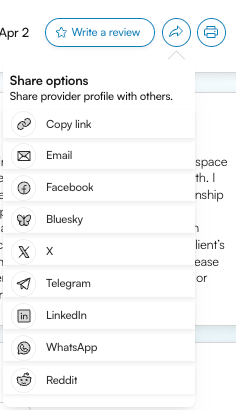
- Click the ➡️ button next to Write a review to copy the link or share on a specific platform
- Click the 🖨️ button to save your profile as a PDF or print it . This will automatically include a QR code that will take the client to your booking page.
- Click the ➡️ button next to Write a review to copy the link or share on a specific platform
- Clients will then be able to select their insurance and schedule an initial assessment with you directly.